Get the Best

Microsoft Fabric Training in Hyderabad

Looking to bring data engineering, analytics, and business intelligence together? At Openminds Technologies, our Microsoft Fabric course in Hyderabad helps you understand how to work with data across the entire analytics lifecycle. From data ingestion and transformation to building lakehouses, data warehouses, and analytical solutions, this course focuses on practical skills used in real-world data projects.
Learn with us and see how powerful data solutions become when you know how to use Microsoft Fabric the right way.

Expert Trainer | Hands-on Training

Intersted? Sign up now
50 hrs

duration

Online & Offline
modes available
2 Demo Sessions
join & decide
Our Alumini work at

What is Microsoft Fabric Training?

Microsoft Fabric is a unified data and analytics platform developed by Microsoft that allows organizations to manage, process, analyze, and visualize data using a range of integrated tools and services.
A Microsoft Fabric course training in Hyderabad is designed to equip students and professionals with the skills to work with data across the analytics lifecycle, including data ingestion, transformation, lakehouses, data warehouses, data engineering, and business intelligence.

Microsoft Fabric Training in Hyderabad Overview

Microsoft Fabric training in Hyderabad provides comprehensive learning that covers data engineering, data integration, lakehouses, data warehouses, analytics, and business intelligence. Hyderabad, and especially Ameerpet, is a hub for IT training and offers exposure to real-time industry projects, certification support, and placement opportunities.
Institutes such as Openminds Technologies focus on practical learning combined with theory, ensuring that students are prepared to work with Microsoft Fabric across different stages of the data and analytics lifecycle.

Who Uses Microsoft Fabric?

Microsoft Fabric is used by professionals across industries including IT, finance, healthcare, retail, manufacturing, and education.
It is a unified data and analytics platform designed for data engineers, data analysts, business analysts, data scientists, BI professionals, and decision-makers who work with data. Professionals use Microsoft Fabric to manage, process, analyze, and visualize data while bringing different data workloads together in a single platform.

Who Should Learn Microsoft Fabric?

The Microsoft Fabric course training in Hyderabad is ideal for:
The Microsoft Fabric training course in Hyderabad is ideal for fresh graduates who are aspiring to build a career in data engineering and analytics, working professionals in IT or data-related roles who want to enhance their data management and analytics skills, business analysts and data professionals seeking modern data platform capabilities, and students aiming to enter the fields of data engineering, business intelligence, and analytics.

Our Microsoft Fabric Course Objective

Train students to connect, ingest, and transform data from multiple sources
Develop practical skills in data engineering, analytics, and business intelligence
Build and manage lakehouses, data warehouses, and data pipelines
Develop strong foundations in Microsoft Fabric tools, workloads, and data analytics

Our Microsoft Fabric Course Curriculum

Microsoft Fabric Introduction
  • Introduction to Microsoft Fabric
  • What is Microsoft Fabric
  • Why Microsoft Fabric is SO IMPORTANT
  • Setup account with Microsoft Fabric
  • Microsoft Fabric cost after 30 days
  • Microsoft Fabric Hierarchy and Terminology
  • Walkthrough with features of Microsoft fabric
  • Microsoft Fabric Architecture
  • Create Workspace in Fabric
  • Introduction to Data Lake, OneLake, Parquet Files, Delta Lake & Lakehouse
  • What is Lakehouse in Fabric
  • How to create Lakehouse in Fabric
  • One Lake File Explorer in Fabric
  • Create tables in Lakehouse Fabric
  • Shortcuts in Fabric
  • Shortcuts Practical in Fabric
  • External shortcuts practical in Fabric
  • Cache in Fabric
  • Setup your Lakehouse & Ingest Data
  • SQL Endpoints in Microsoft Fabric
  • Visual Query Editor
  • Create Report
  •  
  • Introduction to Datawarehouse
  • Dimensional Modelling in Datawarehouse
  • Star Schema
  • Snow Flake schema
  • Star Schema & Snow flake schema difference
  • Dimension tables
  • Fact tables
  • Setup your data warehouse in Microsoft Fabric
  • Load the data in warehouse
  • Copy into command in Microsoft fabric Datawarehouse
  • CTAS – Create table as Select load data in Datawarehouse
  • Query your Data Warehouse
  • Views in Datawarehouse.
  • Store procedure in Datawarehouse
  • Visual Query Editor in Data Warehouse
  • Create Report
  • Performance Monitoring in warehouse
  • Introduction to large scale Data Analytics
  • Apache Spark
  • Spark pools in fabric
  • Spark settings in Microsoft Fabric
  • Setup your first Notebook
  • Data Frame from Lakehouse
  • Data Transformation, Saving the transformed data and Partitioning using PySpark
  • Pyspark select, drop and limit command
  • Typecast in PySpark
  • Sort in PySpark
  • Group By in PySpark
  • Filter in PySpark in fabric
  • Handle Nulls in PySpark in fabric
  • Parquet File, Partitioning in Spark RDD
  • Spark SQL API to process data
  • Data Visualization in Spark Notebook
  • Schedule and monitor notebook in fabric
  • Data Lake and Delta table
  • Managed and External tables
  • Data Insertion in Delta table
  • Table Updation and table versioning
  • Streaming
  • Create Delta table from streaming data
  • ETL(Extract, Transfer and Load)
  • Pipeline: Copy data activity, Delete Data Activity and Notebook Activity
  • Create Data Factory in Fabric
  • Copy Data Activity
  • Delete Activity in Fabric
  • Getmeta Data Activity
  • Filter Activity
  • Lookup Activity
  • Parameterization in Fabric
  • ForEach Activity in Fabric
  • Variable in Pipeline
  • If Condition Activity in Fabric
  • Invoke Pipeline Activity in Fabric
  • Wait Activity in Fabric
  • Schedule Pipeline in Fabric
  • Trigger Pipeline
  • Run and Monitor Pipeline in Fabric
  • Notification in Fabric
  • Dataflow Gen2 in fabric
  • Dataflow Gen2 – Connect sources in fabric
  • Dataflow Gen2 – String transformation in fabric
  • Dataflow Gen2 – Mathematical transformation in fabric
  • Copy Data, transform data using Dataflow Gen2
  • Dataflow Gen2 – Diagram View in fabric
  • Dataflow Gen2 – Append
  • Dataflow Gen2 – Join in fabric
  • Dataflow Gen2 – Load destination table in fabric
  • Introduction to Real time Data Analytics
  • Setup your KQL Database
  • Capturing and delivering data using event streams
  • Data Processing and Analysis using KQL Query Set
  • Data Visualization using power bi
  • Introduction to Data Science, Predictive Analytics and Machine Learning
  • Notebook, Experiment and Run
  • Setup and load data into Notebook
  • Create Experiment and Build your Model
  • Project Introduction
  • Data Pipeline – ADLS to Lakehouse
  • Data Cleaning & Report
  • Project Introduction
  • Project Practical – Data Pipeline + Lakehouse + Spark SQL
  • Power BI & Reporting

Microsoft Fabric Course in Hyderabad Highlights

Microsoft-certified curriculum
Practical exercises and case studies
Recorded classes Shared
Free demo classes before enrollment

Job Opportunities for Microsoft Fabric Professionals

Microsoft Fabric Data Engineer
Data Engineer
Data Analyst
BI Developer
Microsoft Fabric Consultant
Data & Analytics Consultant

Yes, freshers can confidently choose Power BI as a career option since demand is high and companies are open to hiring trained beginners.

Yes, institutes like Openmind Technologies provide live online training that is interactive and flexible.

Yes, one-on-one personalized training is available based on student requirements.

Trainers are certified professionals with 8 to 15 years of real-time industry experience.

The most important certification is Microsoft Certified Data Analyst Associate which requires the PL-300 exam.

Freshers can expect salaries of 4 to 6 LPA while experienced professionals can earn between 8 and 15 LPA.

The typical course duration ranges from 6 to 8 weeks depending on the training mode.

Students can pay through UPI, Net Banking, Debit Cards, Credit Cards, or EMI options.

Yes, free demo classes are arranged to give students an overview before enrollment.

 Students are allowed to attend multiple batches to reinforce their learning.

Students can directly contact the admissions team at Openmind Technologies through their website or support number.

Recordings are usually available for 6 to 12 months depending on the training package.
Check out these courses

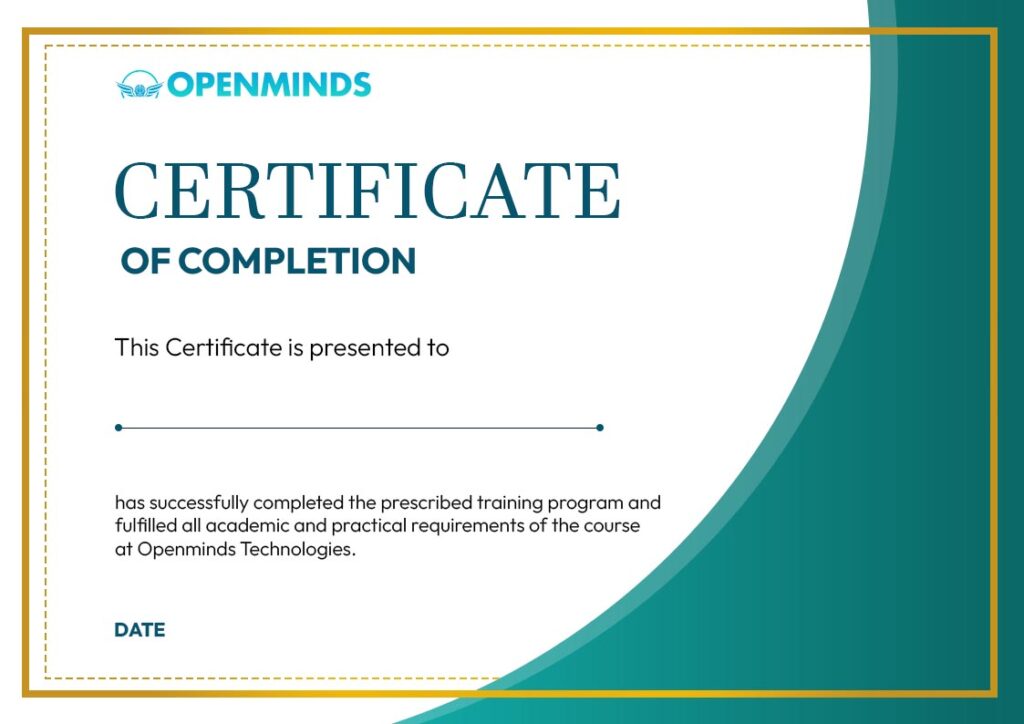
Course Completion Certificate

On successful completion of the Generative AI course, students will receive a Course Completion Certificate from OpenMinds Technologies. The certificate validates the learner’s training in core Generative AI concepts, tools, and practical implementations covered during the program.
Call Now Button