Expert Trainer | Hands-on Training

duration






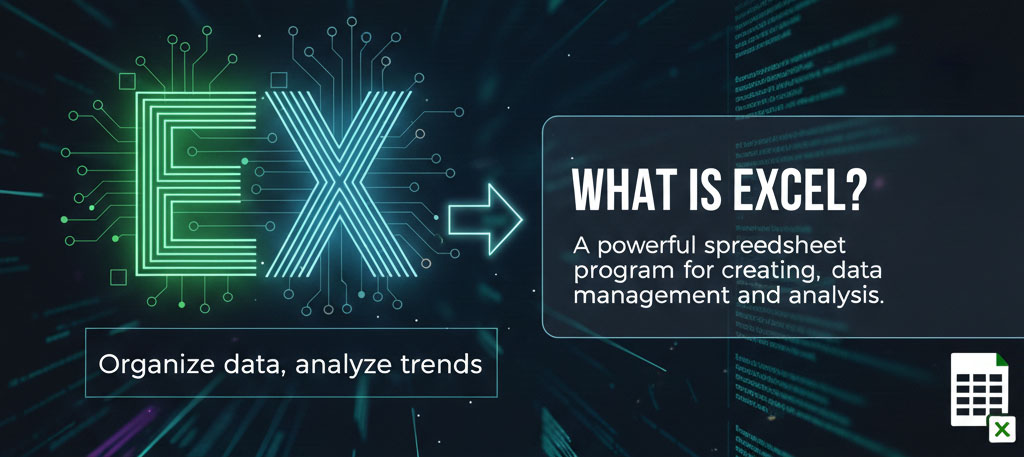
An Advanced Excel course in Hyderabad is designed to help learners move beyond basic spreadsheet usage and master Excel tools used for professional data analysis and reporting.
Advanced Excel is widely used by professionals and businesses across industries to analyze data, improve efficiency, and support decision-making. It plays a critical role in organizing, reporting, and interpreting data in everyday business operations.

Fresh graduates from commerce, management, engineering, or any data-focused background
Working professionals in operations, finance, HR, sales, and analytics roles
Business analysts and MIS executives who work with reports and large datasets
Accountants and finance professionals handling budgeting, reporting, and forecasting
Entrepreneurs and managers who want better control over business data

Workbook and worksheet basics
Data entry techniques and formatting
Shortcuts and productivity tips
Logical functions (IF, AND, OR)
Lookup functions (VLOOKUP, HLOOKUP, XLOOKUP)
Text, date, and mathematical functions
Removing duplicates and handling errors
Data validation rules and dropdown lists
Conditional formatting for insights
Creating and customizing pivot tables
Grouping, sorting, and filtering data
Pivot charts for dynamic analysis
Power Query basics
What-if analysis (Goal Seek, Scenarios)
Data consolidation techniques
Designing interactive dashboards
Charts, slicers, and timelines
Best practices for MIS and management reports
Introduction to Excel automation concepts
Recording and using simple macros
Improving workflow efficiency
Business and finance case studies
Sales and operations reporting projects
Hands-on practice with real datasets

UPI, Net Banking, Debit/Credit Cards, and EMI options are available.
Yes. Demo classes are provided so learners can understand the teaching approach and course structure.
Batch flexibility is usually available, allowing learners to attend alternate batches if they miss any sessions.
You can contact the Openminds Technologies admissions team through their website or phone.
Class recordings are generally available for 6 to 12 months after course completion.